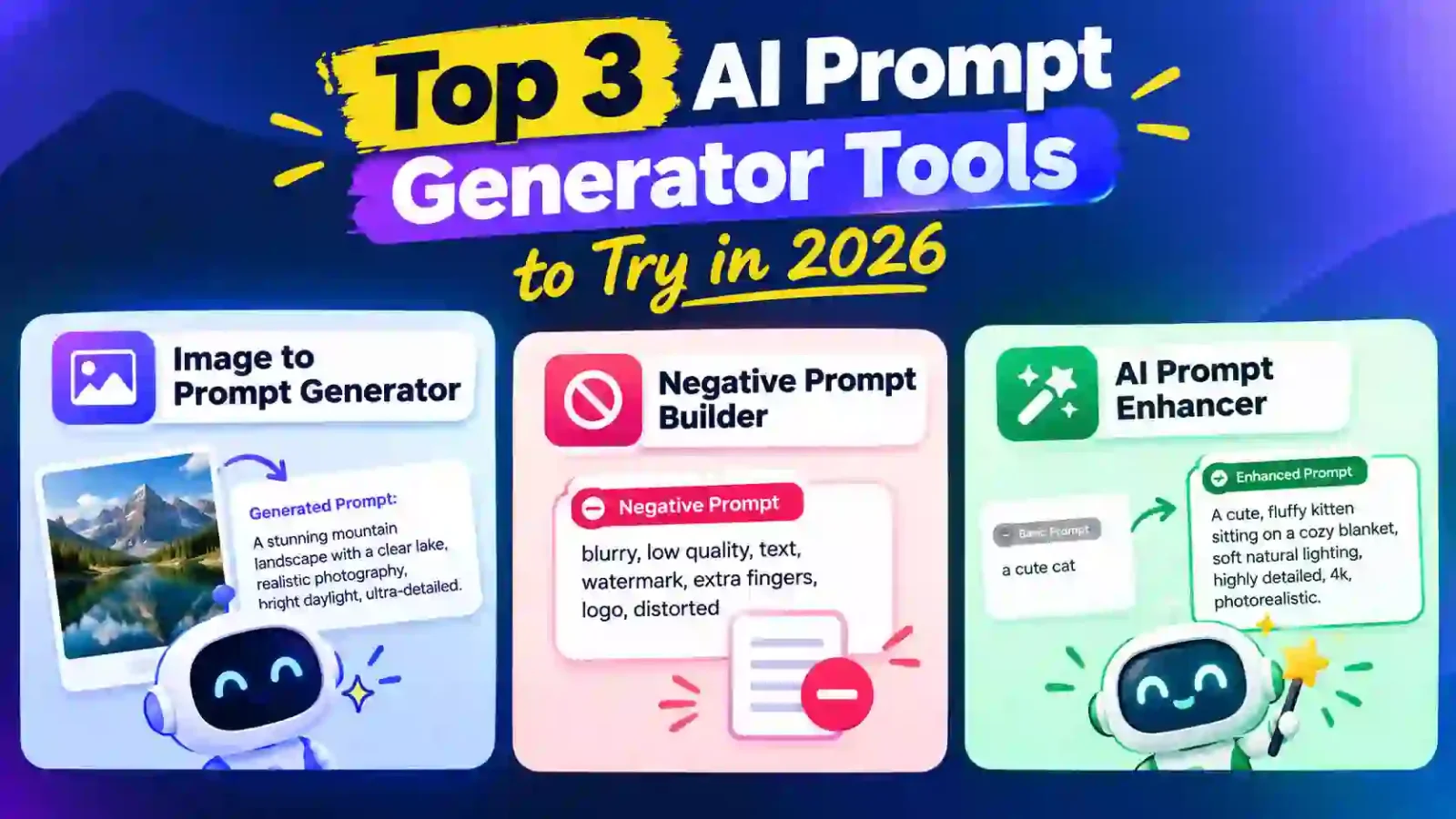
Turn any image into an AI prompt
An image to prompt generator reads a picture and describes it in words an AI image model can use. Instead of guessing which terms produce a certain mood or look, you start from a finished image and work backwards to the text that could create something similar.
Why prompts differ between AI models
Each generator reads prompts in its own way. Midjourney likes compact, comma-separated phrases followed by parameters such as aspect ratio and version. DALL-E 3 understands full sentences and tends to follow them closely. Stable Diffusion responds to weighted keywords and benefits from a negative prompt that lists what to avoid. Flux handles long, natural paragraphs and rewards precise wording about materials, light and composition. This tool writes one detailed master prompt in clear descriptive language, so you can paste it into any of them and fine-tune the wording for your chosen model.
What a good prompt contains
Strong prompts usually cover the same handful of elements. The subject says what is in the scene. The style names the medium or look, such as a studio photograph, a watercolour or a 3D render. Lighting describes direction and quality, like soft window light or hard midday sun. Composition covers framing, angle and depth. Colour describes the palette, and mood sets the feeling. When you keep these parts in a steady order, you can change one at a time and see exactly what it does.
Common uses
Designers use image-to-prompt tools to recreate a reference style, marketers to keep campaign visuals consistent, and hobbyists to learn the vocabulary behind images they admire. Teachers and students use them to study how visual descriptions are built. Because the output is plain text, you can edit it freely: swap the subject, change the season, or move the camera.
Tips for better results
Start with a sharp, well-lit image where the subject is clear. After pasting a prompt into your generator, run a few variations and adjust one phrase at a time. Pick the aspect ratio that matches your final use, whether that is a wide banner or a vertical story, or leave it on None to let the tool decide. Finally, respect copyright and the rights of other creators: use the tool to learn and to inspire new work, and only generate images you have the right to use.
With a clear photo and a few seconds, you get one ready-to-paste master prompt. Edit it and make it your own.